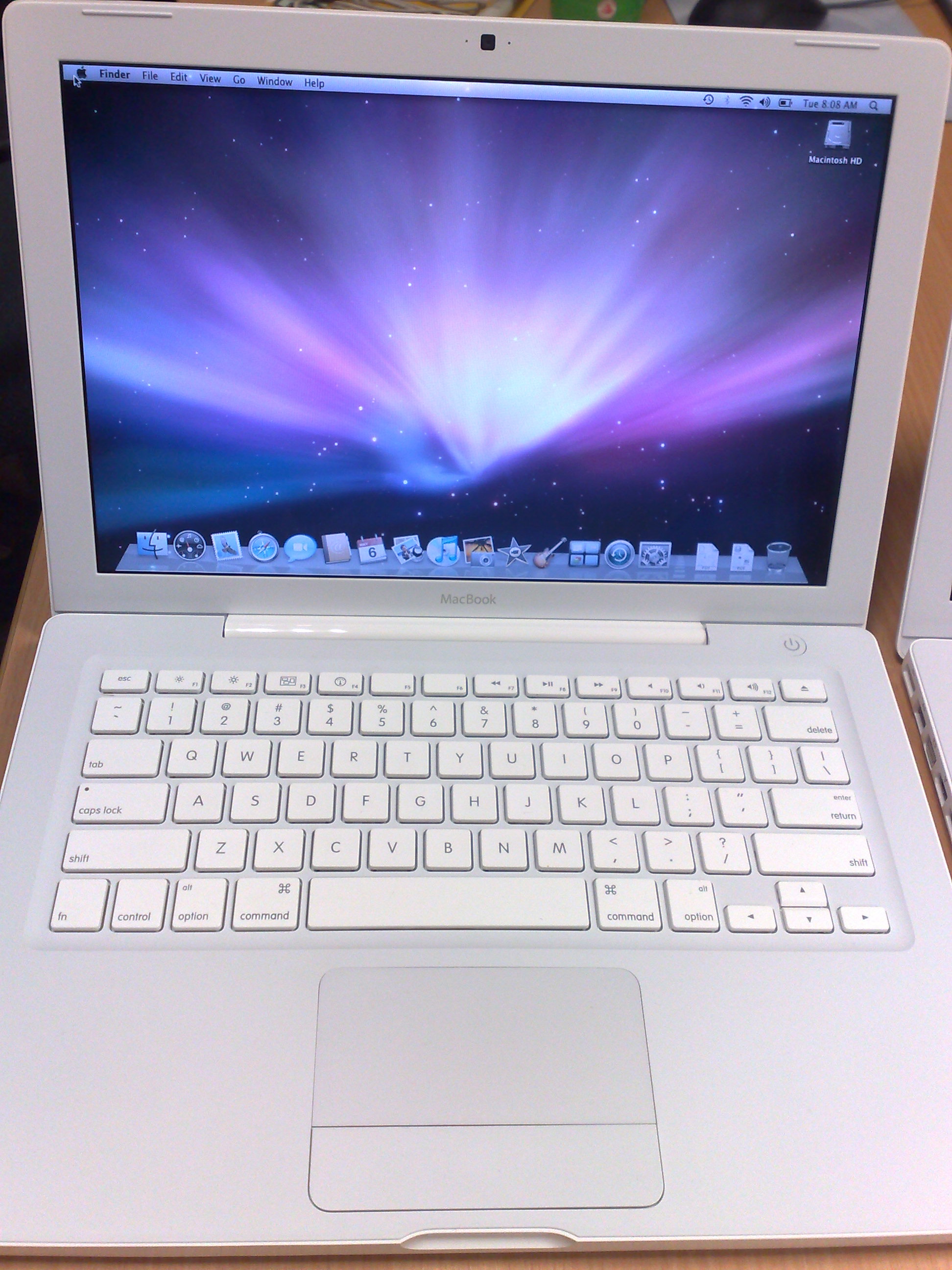
 The new school year at NUS has started. Many people are buying new computers. Some of them will be buying Macs, particularly since they have gotten quite popular in the last few years. Now, how do you get it working in NUS? Most official help resources are going to focus just on Windows XP or Windows Vista. So here you are, my concise guide to getting a couple of basic things setup to work in NUS.
The Macs are supposed to be easy to use, so why is such a guide necessary Unfortunately, there are some things that are not so straight-forward afterall. No doubt there are some areas that Mac OS X still needs improvement to work seamlessly in an enterprise environment.
I’ve put together the guide at: Mac @ NUS. Right now, there are just a few basic things:
- Setting up NUS wireless network.
- Accessing NUSNET Exchange email.
- Mapping network drives.
- Printing to network printers (in SoC).
More things will come later, but I guess those are the most important things to get started.
View Comment Policy