


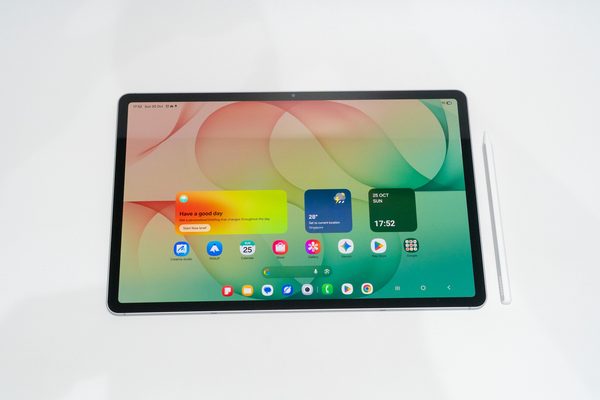
The Samsung Galaxy Tab S12+ is a boring tablet. I mean that as a compliment. I have used enough Samsung tablets over the years that picking this one up felt like coming home: same software, same S Pen, same DeX, now a bit thinner, lighter and faster. Nothing about it surprised me, and when the job is getting work done, that matters more than surprises.
Here is my take on the tablet I think most people should consider before reaching for an Ultra.
The Hardware: Thin, Light, and Familiar
The Tab S12+ is 5.3mm thick and weighs about 553g for the Wi-Fi model. That’s barely thicker than the Ultra, at a fraction of the bulk. It slides into a bag without me having to think about it, and I can hold it in one hand without my wrist complaining after ten minutes.
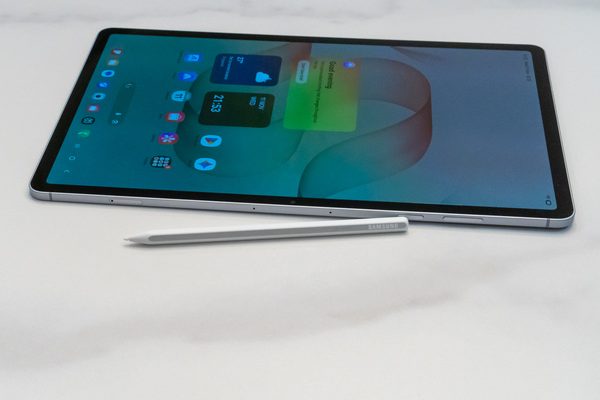
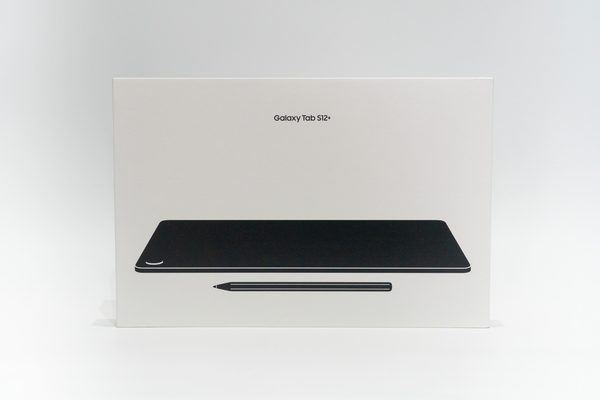
The build is what you’d expect from Samsung’s flagship tablets by now: an aluminium frame, an IP68 rating, and a magnetic strip on the back where the S Pen snaps on to charge. The S Pen is still included in the box, which I appreciate when competitors charge extra for their styluses.
I have the silver colour version for this review, and it looks exactly like how’d you expect a silver tablet to look. Nothing exciting here.
If you have used a Tab S10+ or S9+, you already know this tablet. Samsung has refined rather than reinvented, and I’m fine with that. In fact, I’m really happy with that.
The Size: The Goldilocks Screen
This is the real reason I like the Tab S12+. The 12.6-inch Dynamic AMOLED 2X display, at 2800 x 1752 and 120Hz, sits in a sweet spot that’s hard to appreciate until you’ve lived at both extremes.
Smaller tablets around 11 inches are great for reading and video, but I always hit a wall when I try to do real work on them. By real work I mean triaging email, editing an Excel sheet with more than a handful of columns, or opening an SSH session to fix something on a server. On a small screen, everything feels cramped. Two windows side by side becomes an exercise in squinting, and a terminal plus a browser is just not practical.
On the other end, the Ultra’s 14.6-inch screen is glorious, but it is a big slab to carry around. It’s the tablet you leave at home on days you’re not sure you’ll need it.
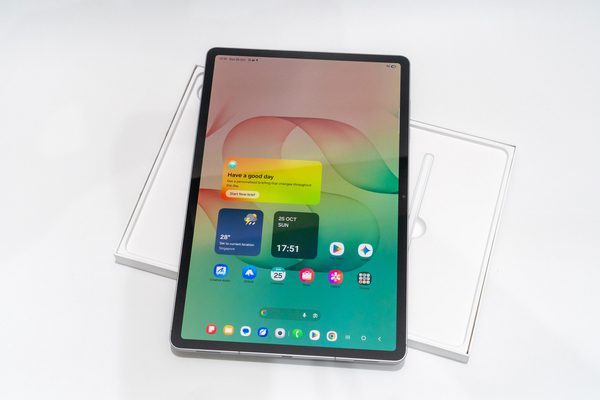
The Tab S12+ is the compromise that actually works. It is big enough that I can keep a terminal open next to a browser, or Outlook next to Excel, and still read everything comfortably. It is small enough that I never hesitate to bring it along. Samsung also trimmed the bezels this generation, so you get more screen in roughly the same footprint.
The panel itself is classic Samsung AMOLED: deep blacks, punchy colours, and up to 1,600 nits peak brightness. It’s bright enough to be quite usable outdoors.
Samsung DeX: Still the Best Desktop Mode on Any Tablet
If you’re new to it, DeX turns the tablet into something that behaves like a desktop: freely resizable windows, a taskbar, proper keyboard and mouse handling, and apps that behave like desktop applications instead of phone apps blown up to full screen.
I absolutely love DeX. It is the single biggest reason I keep coming back to Samsung tablets. It is the most mature and capable desktop mode you can get on a tablet today, and frankly, Google itself is still catching up. Android’s own desktop windowing has been in the works for a while, but Samsung has been polishing DeX for years, and it shows.
In practice, my DeX workflow on the Tab S12+ looks like this:
- Email and documents. Outlook in one window, browser in another, resized however I like. It feels a lot closer to a laptop than to a tablet. I would often also have a messaging app open alongside as well, not switching between screens.
- DevOps on the go. An SSH client in a resizable window next to a browser with documentation or a monitoring dashboard. For SSH, I previously used JuiceSSH, but I’ve since switched to ConnectBot. This is exactly the kind of work I struggle to do on smaller tablets, and it is genuinely comfortable here. I also do pair the tablet with an external keyboard (the Book Cover Keyboard Slim with my workhorse Galaxy Tab S10 FE+).
- External display. The USB-C port is USB 3.2 Gen 1, and it works very well connected to a monitor, instantly upping the desktop experience of the tablet. DeX also works wirelessly.
The Dimensity 9500 and 12GB of RAM give it plenty of headroom. I never felt the tablet struggle while juggling multiple windows.
Is it a full laptop replacement? Not for everyone, and not for every task. Some Android apps still behave awkwardly in resizable windows. But for the kind of work I need to do away from my desk, DeX on the Tab S12+ gets me further than any other tablet I have used, and it is the best alternative to actually having an actual laptop wit hme.
Performance and Battery: It Just Works
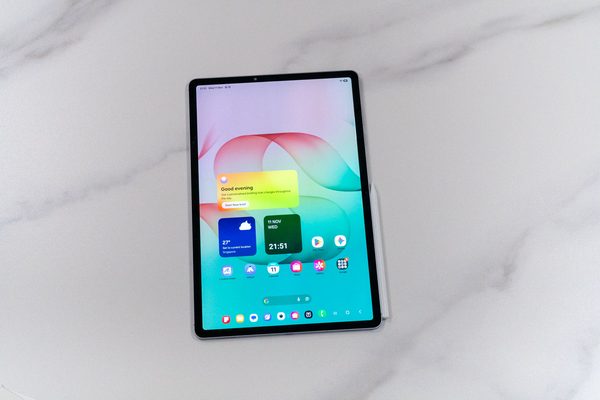
Like the Ultra, the Tab S12+ uses MediaTek’s 3nm Dimensity 9500, paired with 12GB of RAM and 256GB of storage, plus a microSD slot that takes cards up to 2TB. The microSD slot is something I’ll never stop praising Samsung for keeping.
The 10,600mAh battery is rated by Samsung for up to 21 hours of video playback. Charging tops out at 45W, which is fine but no longer impressive.
Software Support: The Long Game
This is the part of the spec sheet that I think matters more than most people realise. The Tab S12+ ships with Android 17 and One UI 9, and Samsung promises up to seven OS upgrades. Security support is listed until 2033.
Why does this matter so much? Look at the state of cybersecurity today. Every other week there’s news of another actively exploited vulnerability, another compromised app, another breach that started with an unpatched device. A tablet is not just a media player. It holds your email, your work documents, your saved passwords, and in my case, SSH keys to servers. A device that stops getting security patches quietly becomes a liability, no matter how good the hardware still feels.
If you only plan to use a tablet for two or three years, almost any flagship will do. But a S$1,400 tablet should last longer than that. And if you’re like me, devices tend to get passed down. My old tablets end up with family members, often the kids, who will use them for school work, browsing, and video for years after I’ve moved on. I want the assurance that the device I hand over will keep receiving updates long after it leaves my hands, not become an unpatched hand-me-down the moment it does.
Seven years of OS upgrades and security support through 2033 gives me that assurance. It also makes the price easier to justify. Spread over at least a reasonable five years of useful life, across more than one user, the Tab S12+ starts to look like good value rather than an indulgence.
This is boring in exactly the right way. You don’t notice long-term support when you buy a device. You notice it years later, when it’s still getting patched.
Price: Premium, As Expected
Let’s not pretend otherwise: the Tab S12+ is quite expensive. Official pricing in Singapore is S$1,698 for the Wi-Fi model and S$1,868 for 5G, both with 12GB RAM and 256GB storage. But this is a premium Galaxy tablet, and it is priced like one. The good news is that nobody really needs to pay the sticker price. Street prices for the Wi-Fi version tend to hover around S$1,400 or less, which makes it a much easier pill to swallow.
At that price, it sits comfortably below the Ultra, and I think it’s the better buy for most people who want a productive tablet rather than a portable canvas. You are paying for the polish, the long software support, and DeX, and those are things you benefit from every single day.
Conclusion
The Galaxy Tab S12+ won’t wow you with anything new. It’s thin, light, well built, fast, and runs the best desktop mode on any tablet. If you’ve used a recent Samsung tablet, you’ll feel right at home. That predictability is exactly what I want from a device I rely on to get work done.
If you’re a professional who wants a tablet that can handle email, spreadsheets, and the occasional SSH session without feeling cramped, and that you’ll actually carry with you every day, this is the one to get. The Ultra is the showpiece. The Plus is the workhorse.
Boring has never been this good.
Pros
- Excellent size balance between productivity and portability
- Samsung DeX remains the best desktop mode on any tablet
- Thin (5.3mm) and light (553g)
- S Pen included, IP68, microSD slot
- Seven OS upgrades and security support to 2033, great for hand-me-downs
Cons
- 45W charging is unremarkable
- No anti-reflective display like the Ultra
- Keyboard cover is an extra cost
- Some Android apps still don’t behave well in resizable windows