| Technology
|
The Mac is still quite stagnant. | Apple’s latest Mac notebook, the Late 2019 16-inch MacBook Pro, seems to be doing many things right. It’s good enough to be even winning back some ex-Mac users who have ...
| Technology
|
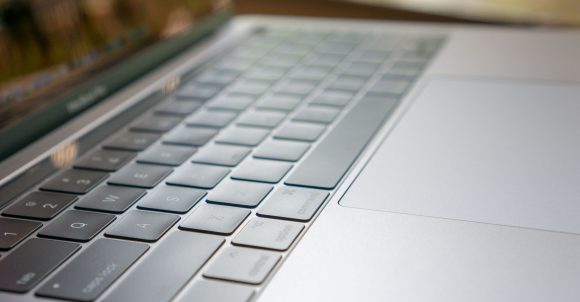
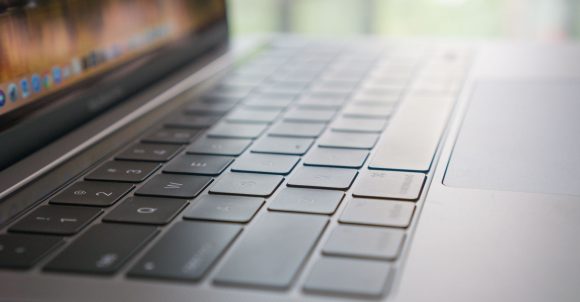
Apple last month admitted their 2nd generation butterfly keyboards problems and would offer free fixes regardless of the warranty status of the device. Not much was said about the keyboards of the new mid-2018 MacBook Pro models ...
| Technology
|
Apple yesterday announced the long overdue refresh to their 13-inch and 15-inch MacBook Pro models, available to order immediately from their U.S. online store, though availability in Singapore is as yet known. This refresh is ...
| Technology
|
This could be good news, at least for some Mac users of the affected product lines, that Apple has acknowledged their new butterfly switch keyboards are problematic. Of course, the better news would be that there weren’t ...
| Technology
|
Although trackpads and mice have become important input devices, they haven’t replaced keyboards. Macs don’t have touchscreens, but even if they did, you’d still need a keyboard to get decent work done. Gamers, ...
| Lifestyle & Family
|
Urban Armor Gear (UAG) is renowned for their very rugged, lightweight, and drop-tested cases for phones, tablets and notebooks. Many people turn to UAG whenever they need some extra protection for their devices. I recently got ...
| Technology
|
Apple introduced a new butterfly keyboard mechanism in the 2015 12-inch MacBook computers. Since then, they’ve an improved version used from the late-2016 MacBook Pro computers. These new keyboards allowed Apple to produce ...
| Miscellaneous
|
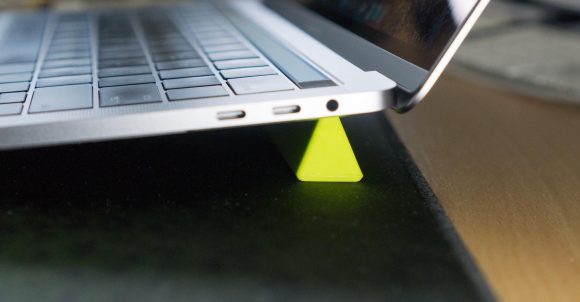
One of the little knick knacks I picked up recently is this wedge-shaped piece of silicon designed to prop up a notebook off the desk. You could either use it so that your notebook’s keyboard would be angled upward a ...
| Technology
|
Apple’s late-2016 MacBook Pros are cool, but they cost more than before. Even the entry-level 13-inch MacBook Pro, which is without the Touch Bar, costs more than its comparable model in the previous generation. For ...
| Technology
|
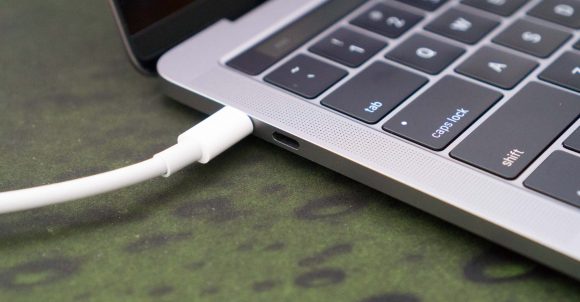
When the first 12-inch MacBook was launched in 2015, many people were concerned about Apple’s switch to USB Type-C (USB-C) ports. USB-C was still very new, and there was just one port on that MacBook, apart from the 3.5 mm ...