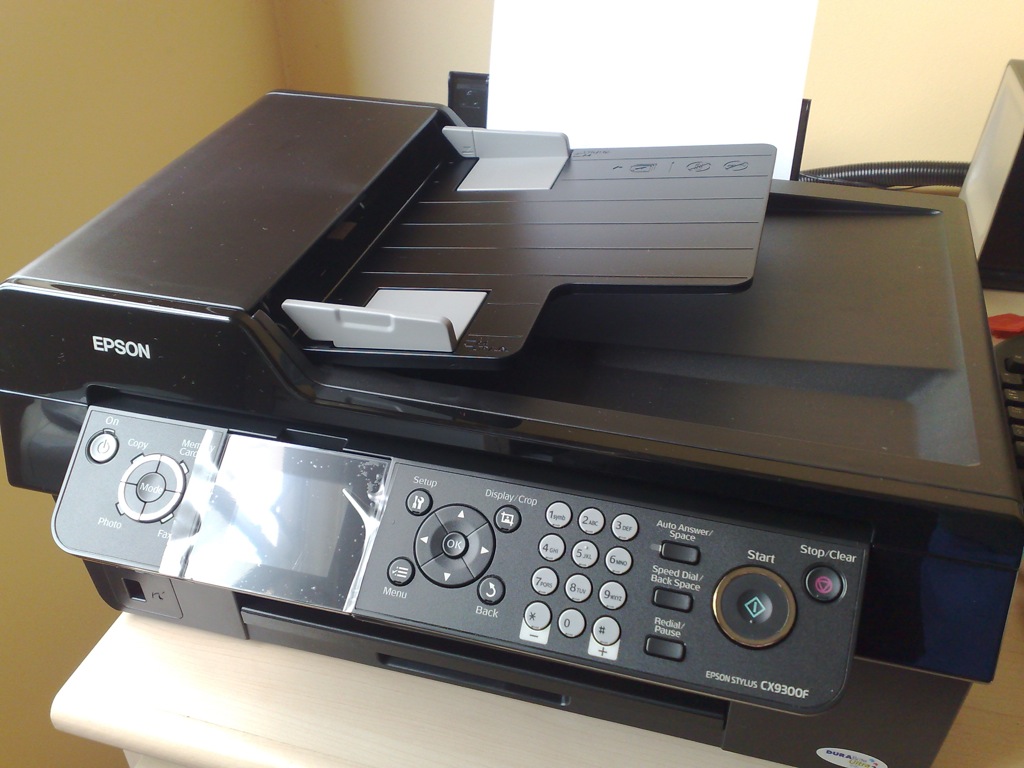
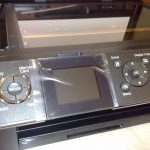
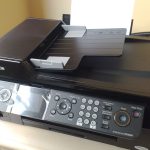
 I’ve finally gotten around to setting up my new Epson Stylus CX9300F. This is the same as the Epson Stylus CX9400F sold in other markets (e.g. USA). This printer prints, scans, copies and faxes.It comes standard with an automatic document feeder, but there is no duplexer (nor is it an available option). It can also print directly from a variety of memory cards.
This printer prints and copies pretty fast. The specs claim 32ppm for colour printing. I don’t think mine printed that fast. But it was surely acceptable for a home printer.
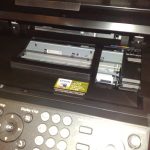
I’m not impressed with the build quality of these “cheapo” All-In-One printers. The plastic on the outside looks nice, but the metal on the inside looks very unglamorous. You don’t have to open up anything to peer at the ugly insides. Just looking at the memory card slots from the front tells you enough. The plastic is really too soft for my liking. You’d have to be careful handling the printer. Mac OS X is supported. The printer software installation is simple, although I felt it was rather inelegant. Too many windows to go through. I suppose it is something that Windows users have gotten used to. I’m sure this is something they can improve on.
The Epson Stylus CX9300F is supposed to fax, but I’ve no idea how to get faxing to work from Mac OS X. I’ll be most delighted if someone can enlighten me. I’ve not set it up yet for my Windows machine, but in Windows, I’d imagine there’ll be a Fax Printer to install, and which I could select to print a document to if I wanted to fax.
I wonder why Apple doesn’t sell Epson printers in their online store. I noticed HP printers only. Perhaps HP makes better Mac-compatible printers than Epson.
Hi.. can you enlighten me how you manage to get it work? I have also a epson stylus cx9300f but I cannot get it working with MAX OS 10.5.7 running on my Macbook.
Thank you so much.
Hi… I just installed the software provided on the CD. Seems to be quite straightforward. Just that my scanning doesn’t work (but I also haven’t really made an attempt to find out more). Did you install the software on the CD that came with the printer?
howdy: thanks for the post: I was away from the office and couldn’t get a shot of our printer for a blog post, so I borrowe dyour pic with credit. Thanks! I’ve done design work for Epson, and they are trying to make things better, so they get points for that 😉
ken in Los Angeles