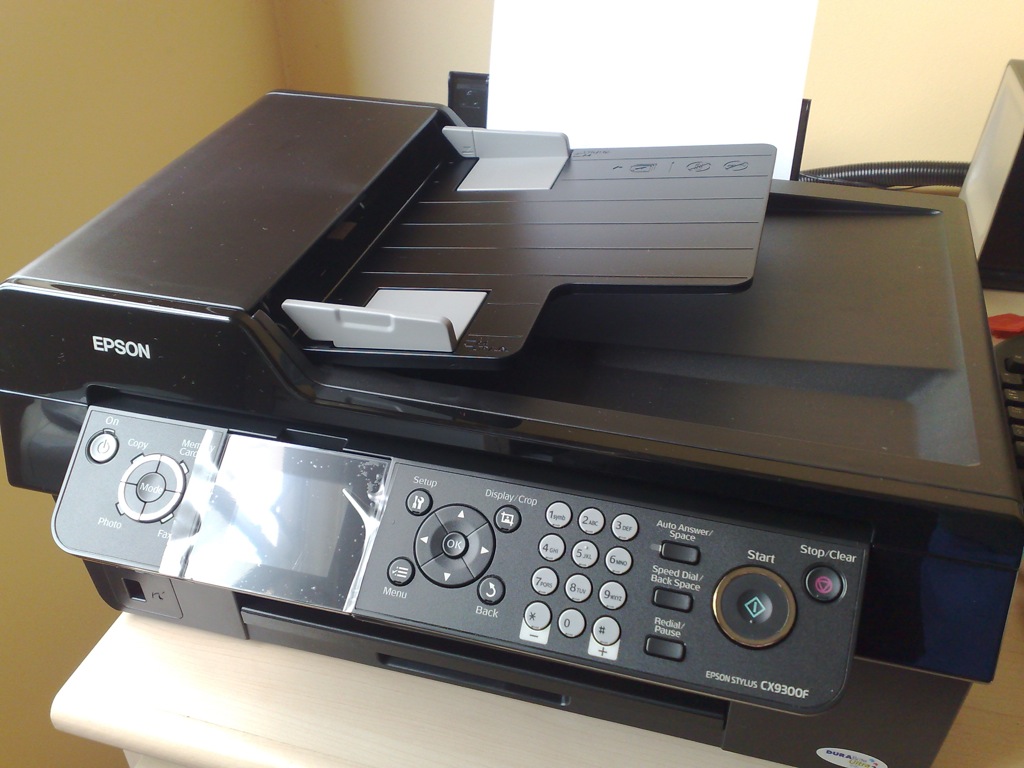
 I took me a couple of days too long to get started setting up my new Epson Stylus CX9300F all-in-one printer. It took me over another month before I got around to scanning my first document with the printer. It was a silly problem. It turns out that there was probably something loose with my USB cable connection to the printer. I hadn’t suspected that previously, because I could print to the printer okay. But the Epson Scan program hung. Subsequently I could still print. It didn’t seem logical to suspect the USB cable connection.
So anyway, now the Epson Stylus CX9300F prints, copies, scans and, oh well, I forgot if I did fax with it. I think I did.
All-in-one printers are wonderful, especially copying and scanning. I know many eons ago when I was a student, printing was the most relevant thing to me. Scanning and copying wasn’t all that important (at least not to me then, maybe students nowadays are different). Nowadays, having a photocopier at home has become indispensable. There are so many times I need to make photocopies of vehicle log card, insurance cover note, kid’s birth certificate, medical receipts, etc. These used to be activities that had to be done in office. But now it is so convenient doing it at home.
I guess that’s what these all-in-one printers were designed to do. My only gripe is that they aren’t fast enough, and they don’t do duplex printing. I would really love duplex printing. Okay I know all that is possible, but oh well, I also want it at like $200. Maybe I would settle for $300, or $350 tops. Someday, all-in-one colour laser printers with duplex function and 24ppm will sell for that price.
So anyway, back to my Epson Stylus CX9300F. If anyone wants to know, it works superb with Mac OS X. The accompanying Epson programs don’t have the elegance of the typical Mac OS X graphical look and feel, but they get the job done.
View Comment Policy