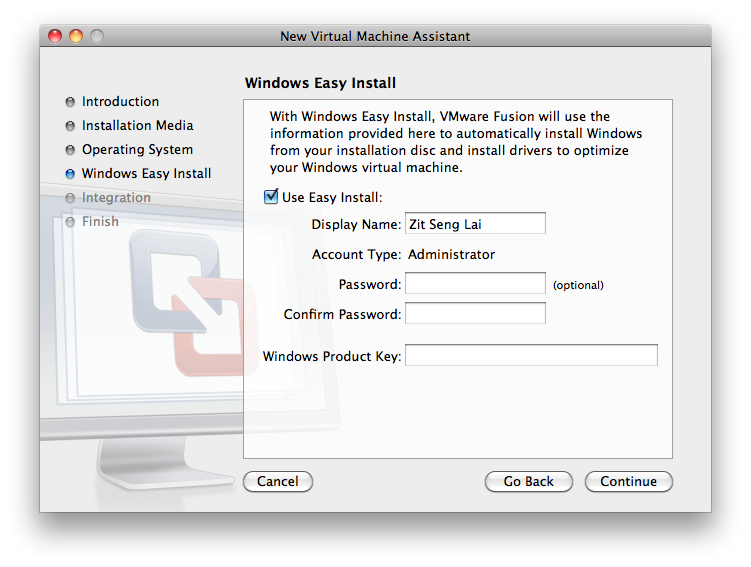
 I have unintentionally become an expert at installing and reinstalling Windows. It’s Windows XP this time. This is my third Windows XP installation in two days, before I finally got a problematic program running correctly. It’s a silliness with software compatibility. It’s the year 2010, and Microsoft Internet Explorer 8 is standard. But no, this problematic program isn’t compatible with MSIE8. It isn’t even compatible with MSIE7. It needs MSIE6.
Then, I’m reminded about how difficult it is to deal with Windows. I installed a program. I attempted to install its update, but failed. The program doesn’t work anymore. So I try to uninstall. Uninstall failed. So I tried to reinstall, but it requires to uninstall the existing installation first, which fails. So I’m stuck.
I retried in a Windows XP virtual machine I have on my MBP. Main program installed. Then attempt update, but failed due to lack of disk space. So I cleared some space. The update needed about 300MB free, and I had over 600MB free after clearing some space. The update ran, then failed, oddly still running out of space. Fine, uninstall the entire program. After uninstall, I found my disk still entirely full. Huh, what happened to that program that was supposed to have occupied about 1GB of space? I checked Add/Remove Programs… it’s really not there anymore. Somehow, uninstalled without freeing any disk space. So I’m stuck again.
There’s many more silliness that I couldn’t be bothered to list them all. Just one other example is about the setup program insistence that a network installation requires the network path to be mapped. Fine. I did that. The setup program still bombed out with exactly the same error.
Sigh, dealing with these “old programs” is nightmarish. Fortunately, virtualization solutions like VMware make things just a little bit easier.
how did u get the related posts section?
There are a couple of plugins you can choose from. YARP, for example.